> For the complete documentation index, see [llms.txt](https://docs.sprinto.com/llms.txt). Markdown versions of documentation pages are available by appending `.md` to page URLs; this page is available as [Markdown](https://docs.sprinto.com/integrations/overview/personio-integration.md).
# Personio Integration
Personio is a cloud-based HR software with features like applicant tracking, employee onboarding, time tracking, payroll management, and HR reporting.
### **How does this integration help Sprinto**
The integration primarily helps Sprinto retrieve staff-related information such as name, email address, job roles, onboarding dates, reporting managers, etc. These details are crucial for managing compliance needs related to people management. Sprinto initiates relevant checks if any information needs to be updated to ensure compliance framework requirements are met.
#### **Sprinto checks for Personio**
Following are the available Sprinto checks for Personio integration:
### **Before you begin**
* Log in on Sprinto as administrator.
* Sprinto uses [Merge](https://www.merge.dev/) as an integration partner to build this integration.
* Ensure you have “Admin” access on the Personio account you are integrating on Sprinto.
### **Integrate Sprinto with Personio**
Follow the below steps to integrate Personio on Sprinto:
1. Get the API key from your Personio account.
* Log in to [Personio](https://www.personio.com/login/) using your credentials.
* Go to Settings > API credentials.
* Click on Generate new credentials.
* Enter a name for the API key, and select “Others” from the integrations drop-down menu.
* Select the following roles under the Select Roles section, and click Next.
* Employee API Read Access
* Employee API
* User API
* Copy the generated API key and save it securely. We will need this key on Sprinto to build integration.
2. Integrate Personio on Sprinto.
* Go to **Settings** > **Integrations** > **Available** tab, and click Connect next to Personio.
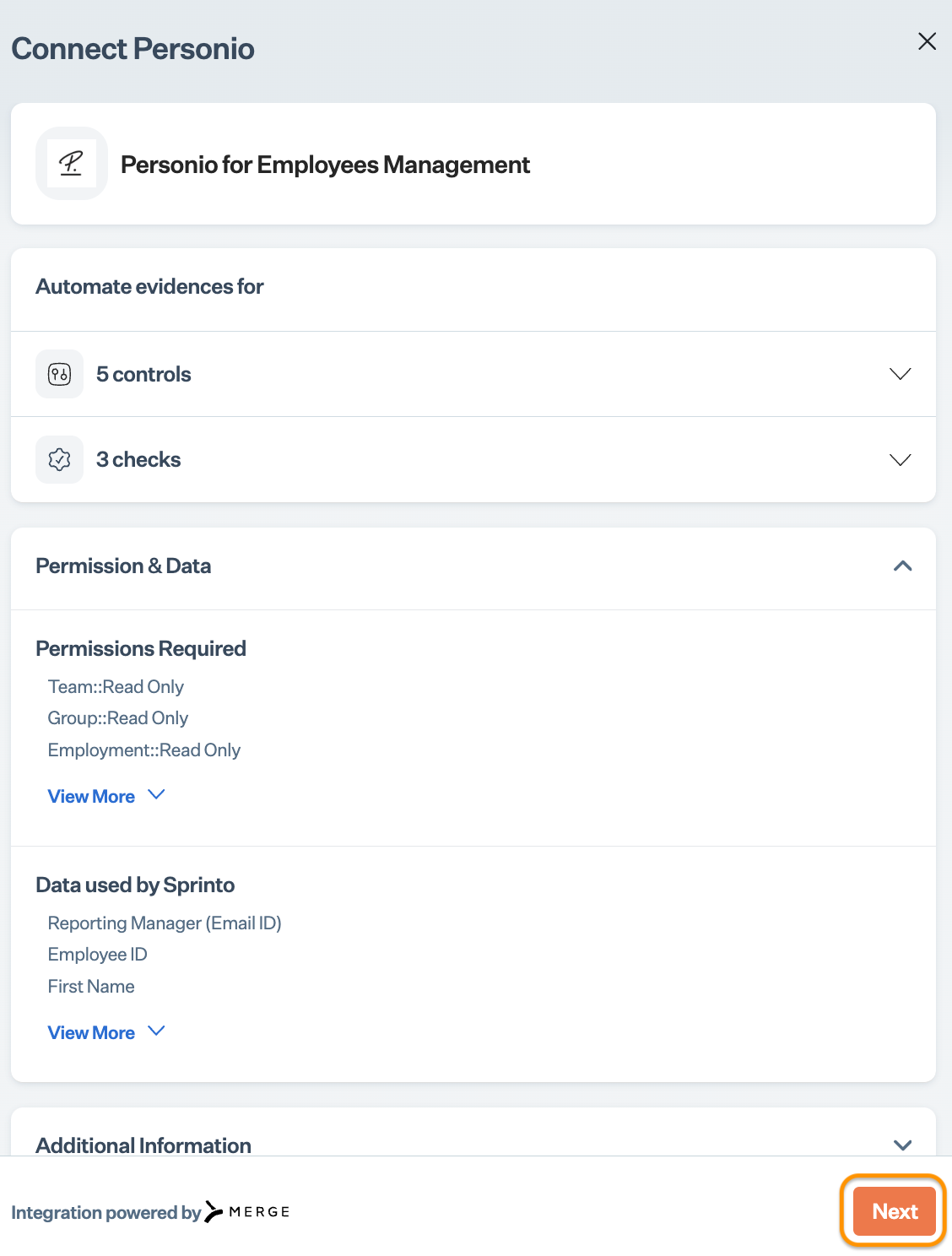
* Read the on-screen instructions, and click Next.
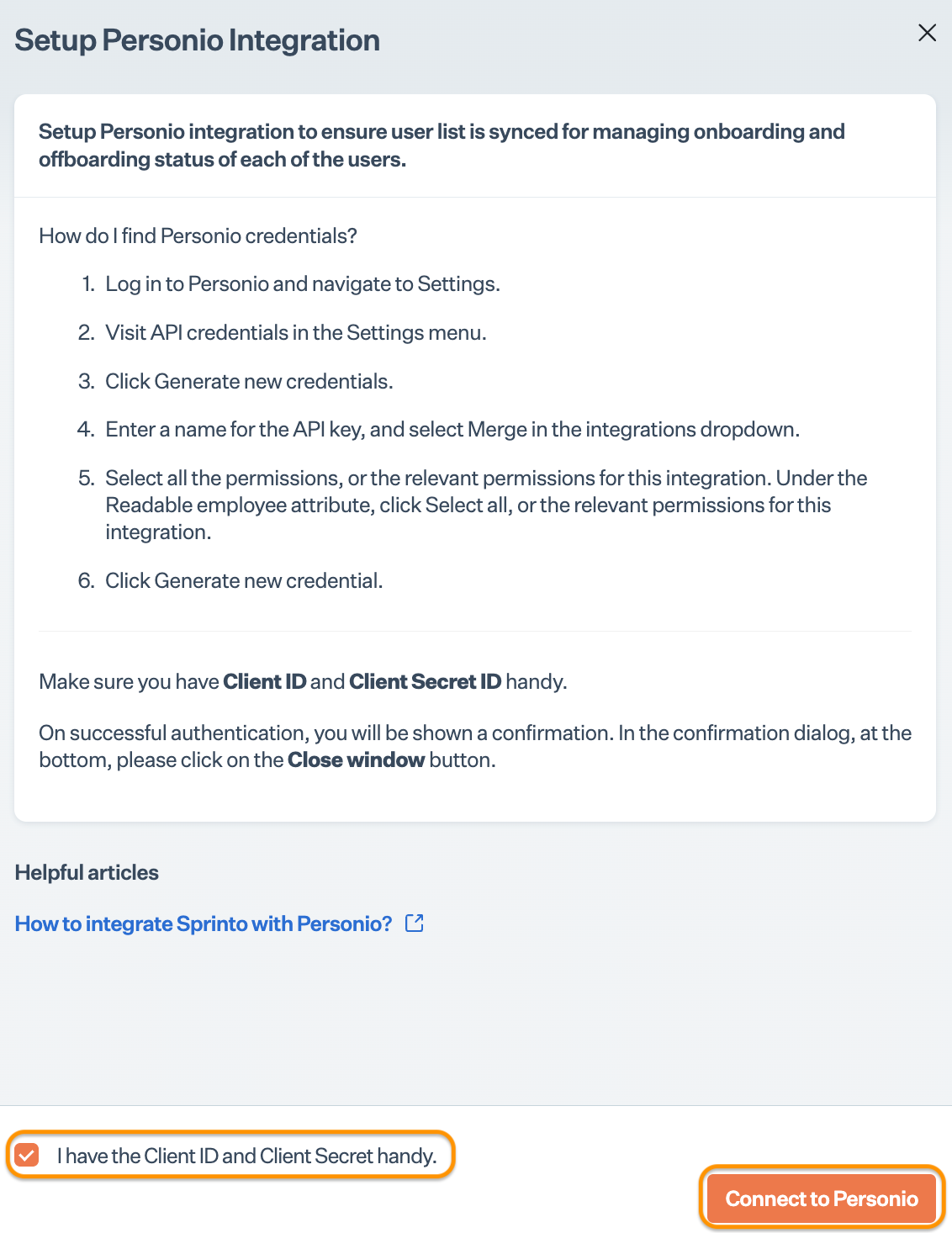
* Select the acknowledgment checkbox, and click Connect to Personio.\
Note: Ensure you have pop-up window settings enabled on your browser.
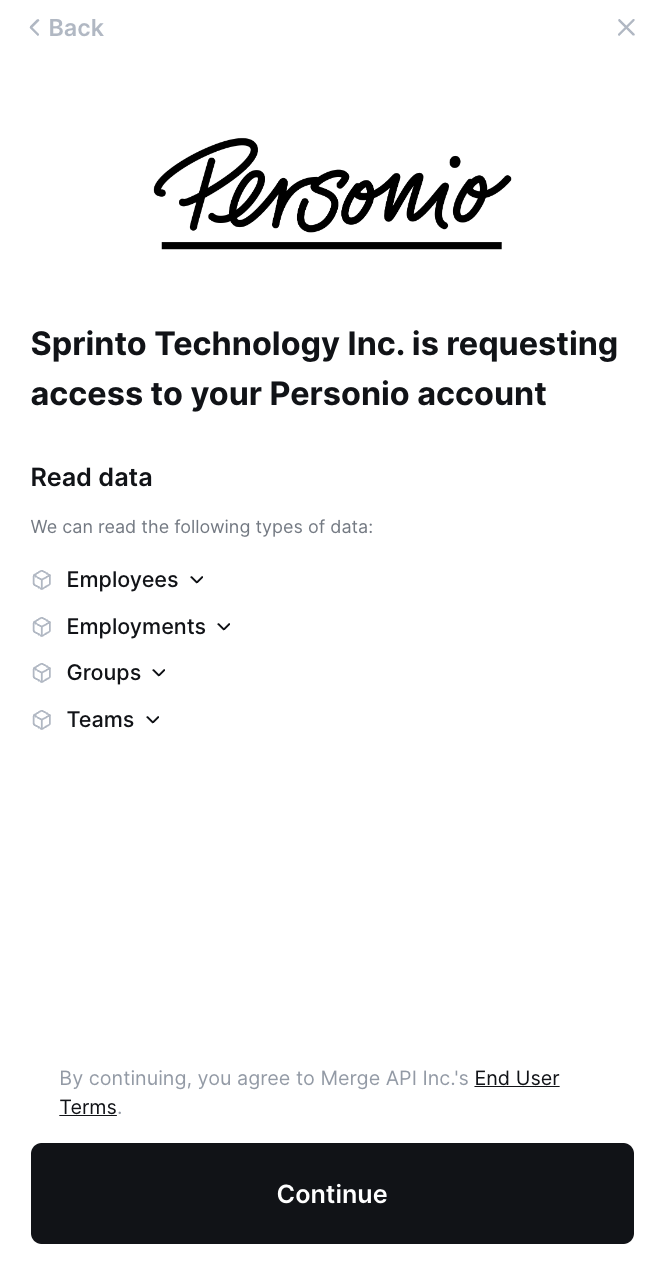
* Click Continue to initiate the integration process.
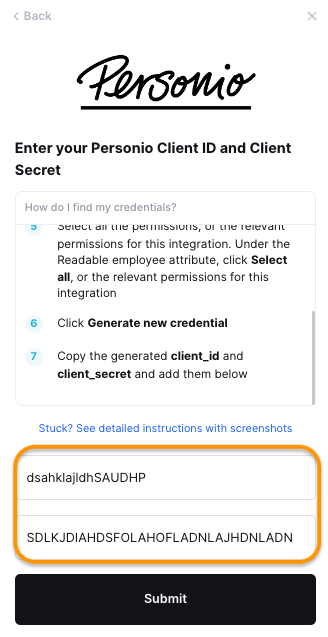
* Enter the Client ID and Secret copied from Step 1, and click Submit.
3. Add Personio as a staff information provider.
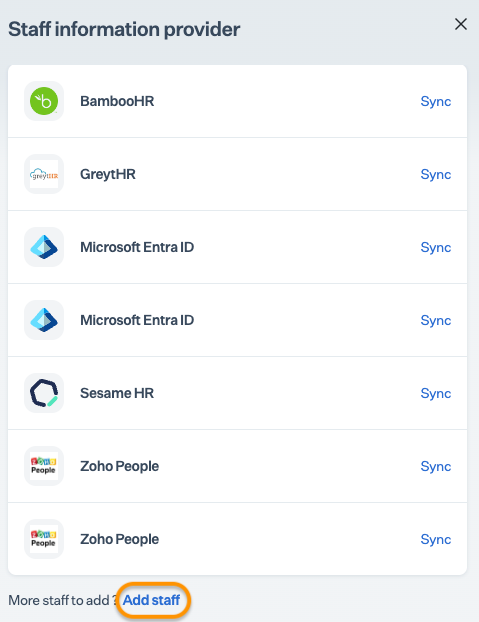
* On the Sprinto app, go to Data Library > People > Configuration, and click Manage next to Staff information providers.
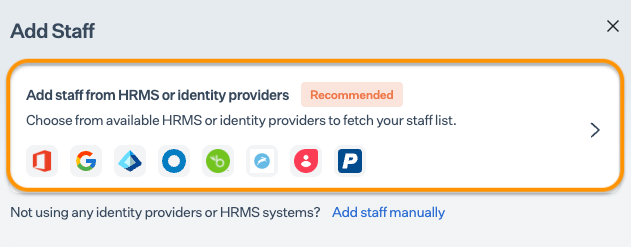
* Click Add Staff from the Staff information provider page.
* Click on the details button to add Personio as the information source.
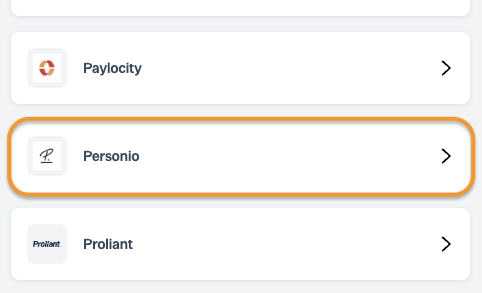
* Select Personio from the Add Staff as a Provider page.
* Click + Add Personio.
### **Final step**
Your Personio account is integrated and added as a staff information provider. Sprinto will take some time to retrieve and map your staff details on Sprinto. If any required staff detail is missing, Sprnito activates a check against the respective staff member, helping you manage staff details and meet people management compliance requirements.
If necessary, you can click Sync next to Personio from the Staff Information Provider page to refresh the staff details.
Contact[ Sprinto support](https://www.notion.so/Documentation-Planning-e8f4d4e0fbf448afb309708fe0212088?pvs=21) if you have any queries regarding the integration or need any assistance.
---
# Agent Instructions
This documentation is published with GitBook. GitBook is the documentation platform designed so that both humans and AI agents can read, navigate, and reason over technical content effectively. Learn more at gitbook.com.
## Querying This Documentation
If you need additional information that is not directly available in this page, you can query the documentation by asking a question.
Perform an HTTP GET request on the following URL with the `ask` and `goal` query parameters:
```
GET https://docs.sprinto.com/integrations/overview/personio-integration.md?ask=&goal=
```
`ask` is the immediate question: it should be specific, self-contained, and written in natural language.
`goal` is what the user is ultimately trying to achieve, the reason they need the answer. Sharing it helps GitBook give you a better, more relevant answer. A goal is most helpful when it describes the outcome the user wants rather than restating the question. For example, with `ask=how do I create an API token`, a goal like `automate deployments from our CI pipeline` lets GitBook tailor the answer to that use case.
The response will contain a direct answer to the question and relevant excerpts and sources from the documentation.
Use this mechanism when the answer is not explicitly present in the current page, you need clarification or additional context, or you want to retrieve related documentation sections.