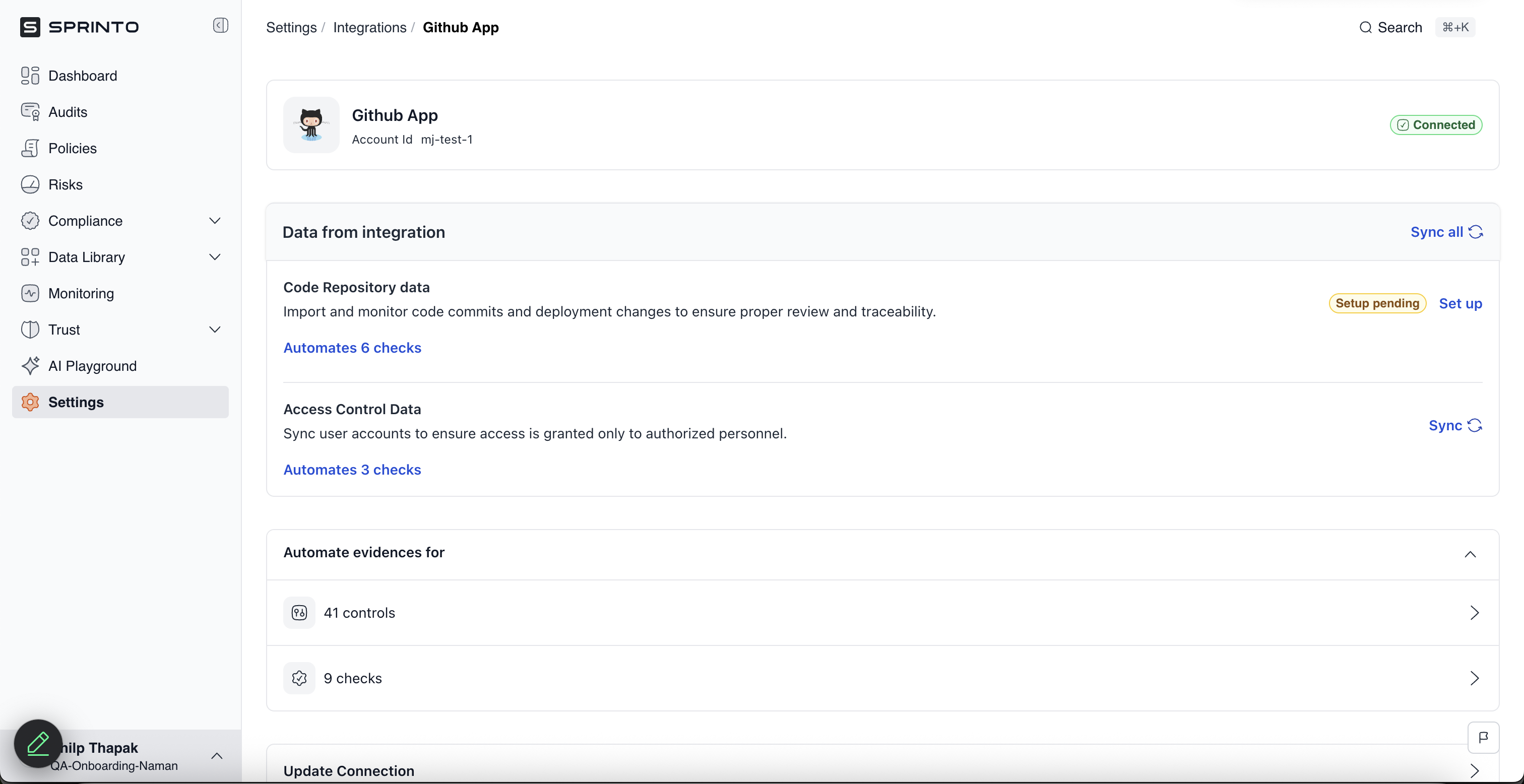
Github App Integration

Connect the GitHub App to Sprinto to automatically monitor repositories, access controls, and security checks for continuous compliance.

The GitHub App integration allows Sprinto to automatically monitor your GitHub organisation for:

  • Repository administration and metadata

  • Pull requests and branches

  • Dependabot alerts

  • Organisation members and collaborators

  • MFA status and access reviews

Sprinto uses this data to automate controls and checks related to version control and access management.

The integration is completed via OAuth and requires installing the Sprinto Audit GitHub App in your GitHub organisation.

How does this integration helps Sprinto

This integration ensures that crucial security configurations, such as branch protection and peer reviewer settings, are established for integrated code repositories and ticketing systems on Sprinto. Sprinto utilizes granted permissions to retrieve details like user accounts and security configurations, mapping them to necessary Sprinto checks.

Sprinto checks for GitHub

The below procedure below has a dedicated section for configuring GitHub as a change management and ticketing system. You can follow the section that applies to your GitHub Usage:

Sprinto check
Check description
Reference procedure

GitHub org level MFA should be enforced

Multi-factor authentication (MFA) should be enforced at the organization level.

GitHub user should have MFA enabled

Multi-factor authentication (MFA) should be enabled on all users' accounts

Github access should be removed for offboarded user

Revoke access from the organization’s GitHub account for every offboarded staff member.

Dependabot vulnerability scan should be enabled

Enable the Dependabot vulnerability scan on your GitHub repositories.

Peer review should be enforced for code changes

Peer review should be enforced on every change merging request on the main branch.

Merging of code changes should require passing status-checks

Every code change must pass the status check.

Branch Protection rules should be enforced for admins

The branch protection ruleset should be configured on the GitHub account.

Code changes should be reviewed by peers before merging

Every code change should be reviewed by a peer reviewer.

Before you begin

Ensure the following prerequisites are met:

  • You have Admin access to the GitHub organisation where the app will be installed.

  • You are logged in to the Sprinto Admin Portal.

  • Your GitHub organisation allows third-party GitHub Apps to be installed.


How it works

The integration works in three stages:

  1. You initiate the connection from Sprinto.

  2. You install the Sprinto Audit GitHub App in your GitHub organisation.

  3. Sprinto syncs repository and organisation-level data to automate compliance checks.

The connection type used is OAuth.


Dashboard actions

Connect the GitHub App

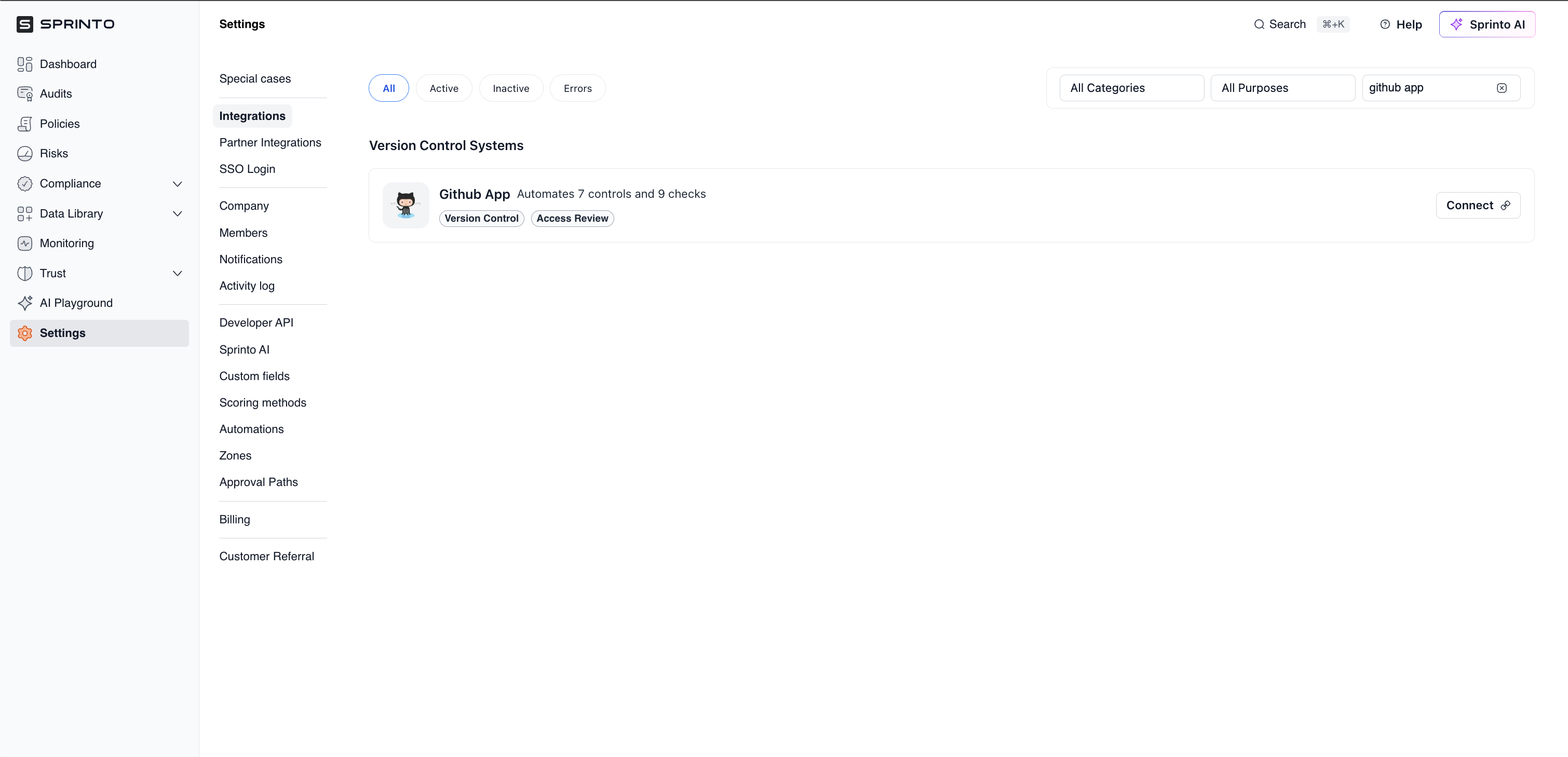
  1. Log in to the Sprinto dashboard.

  2. Navigate to Settings → Integrations.

  3. Under the All tab, search for GitHub App.

  4. Click Connect next to GitHub App.

A side drawer opens displaying:

  • Controls automated

  • Checks covered

  • Required permissions

  • Data used by Sprinto

Review the information and click Next.


Review setup instructions

In the next drawer:

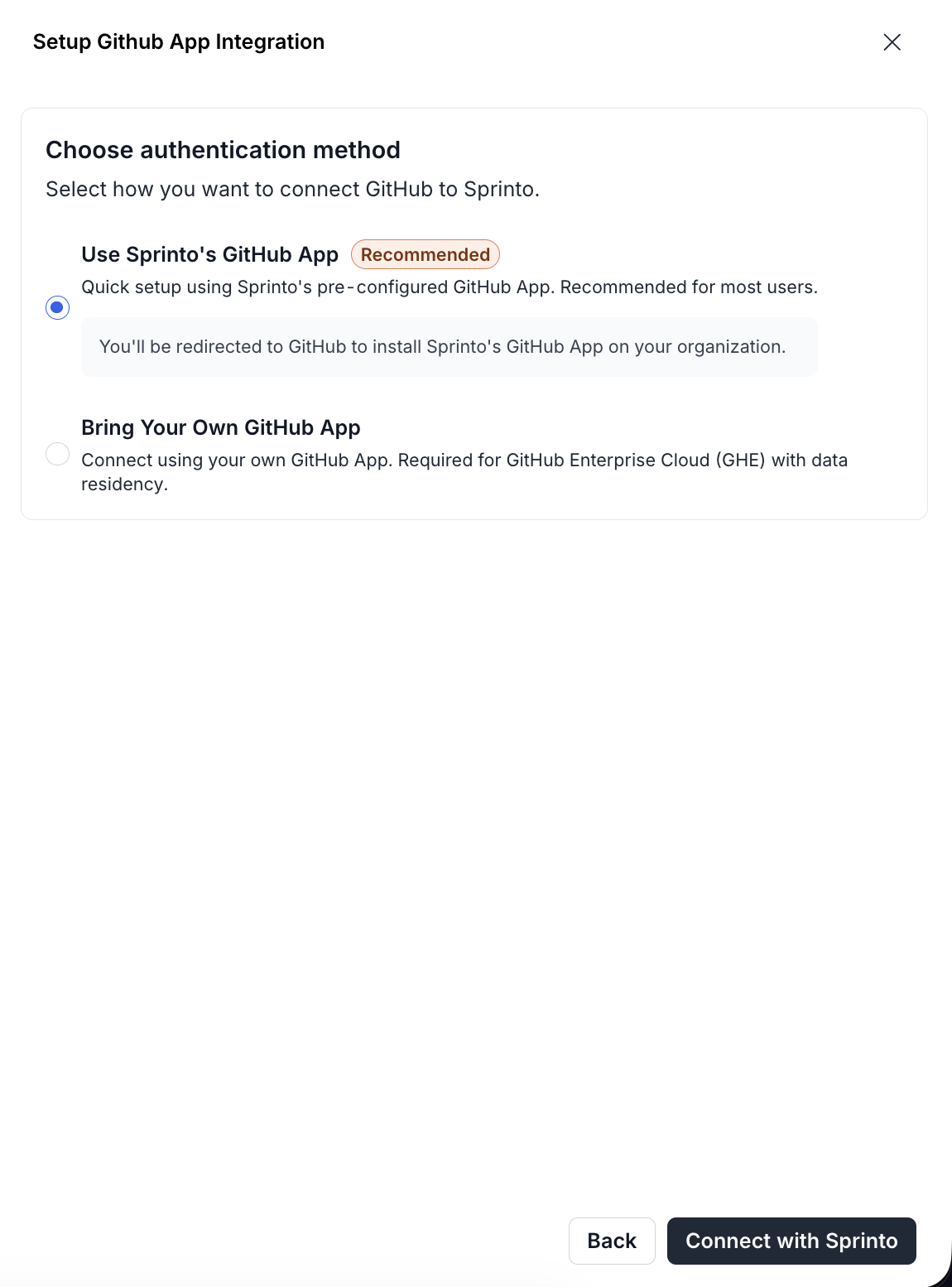
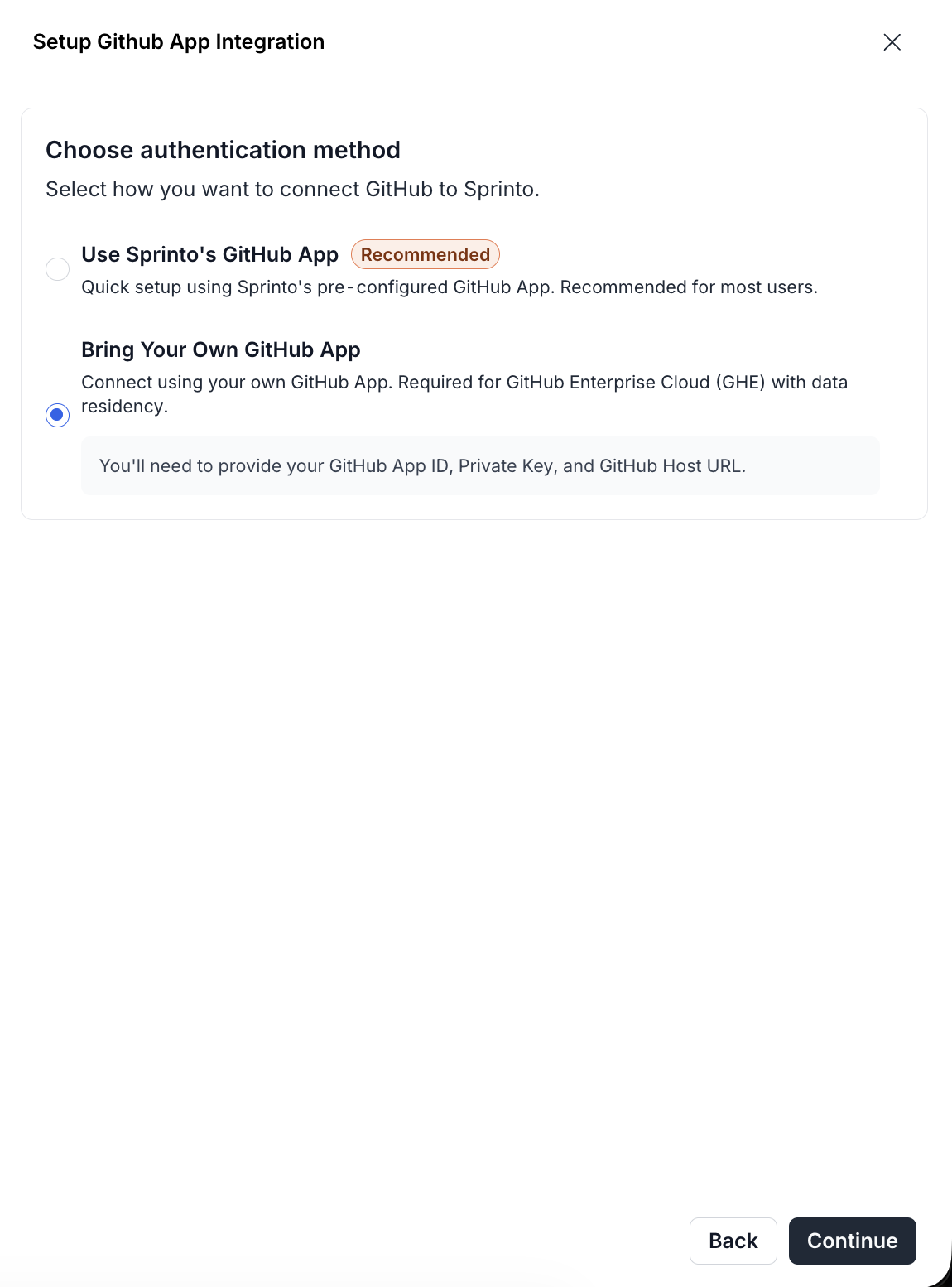
  • Confirm the Connection type: OAuth

  • Review prerequisites

  • Follow the installation steps provided

Click Connect to proceed.

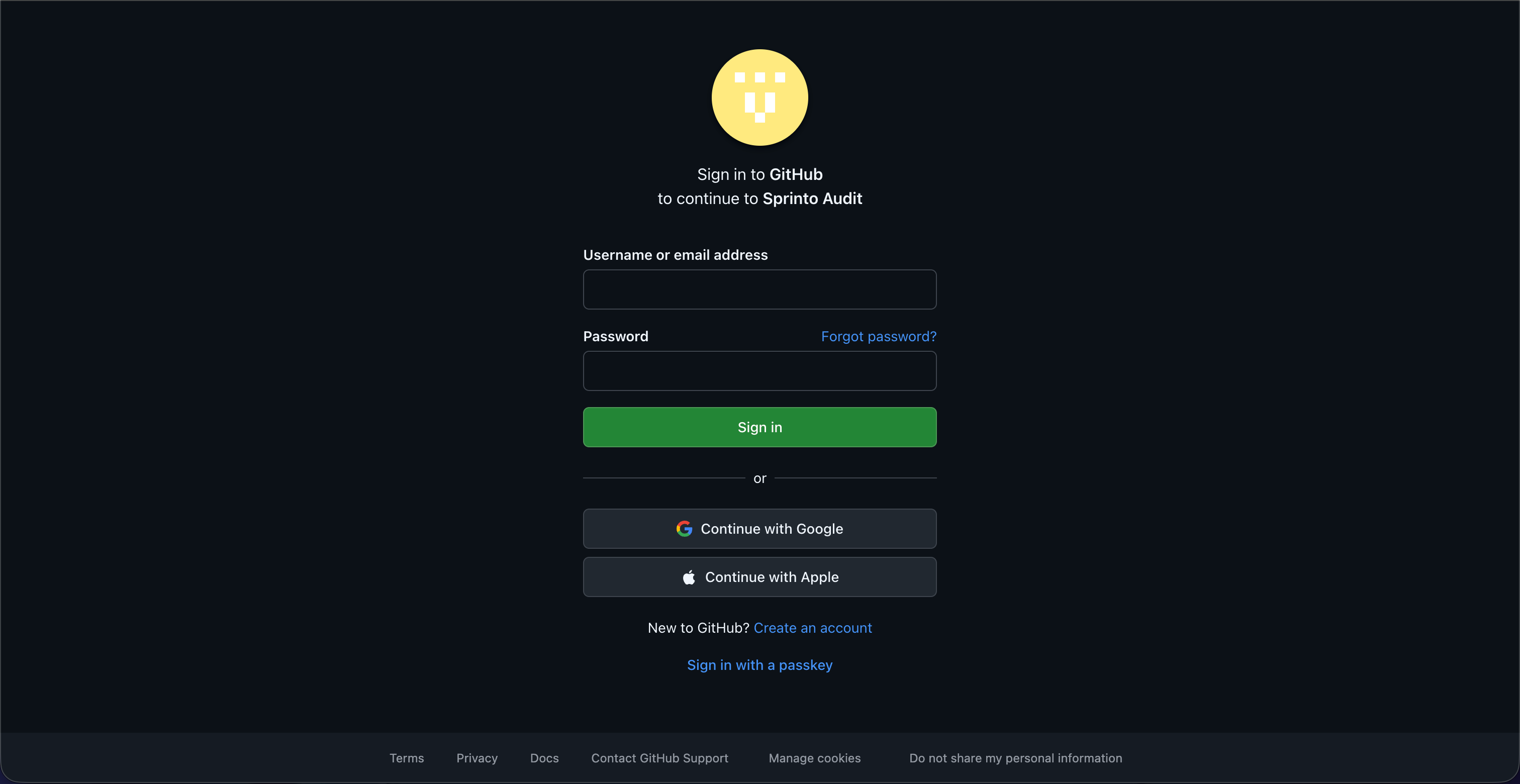
You will be redirected to GitHub.


Authenticate with GitHub

  1. Sign in to your GitHub account (if not already signed in).

  2. Authorise the Sprinto Audit app to proceed.


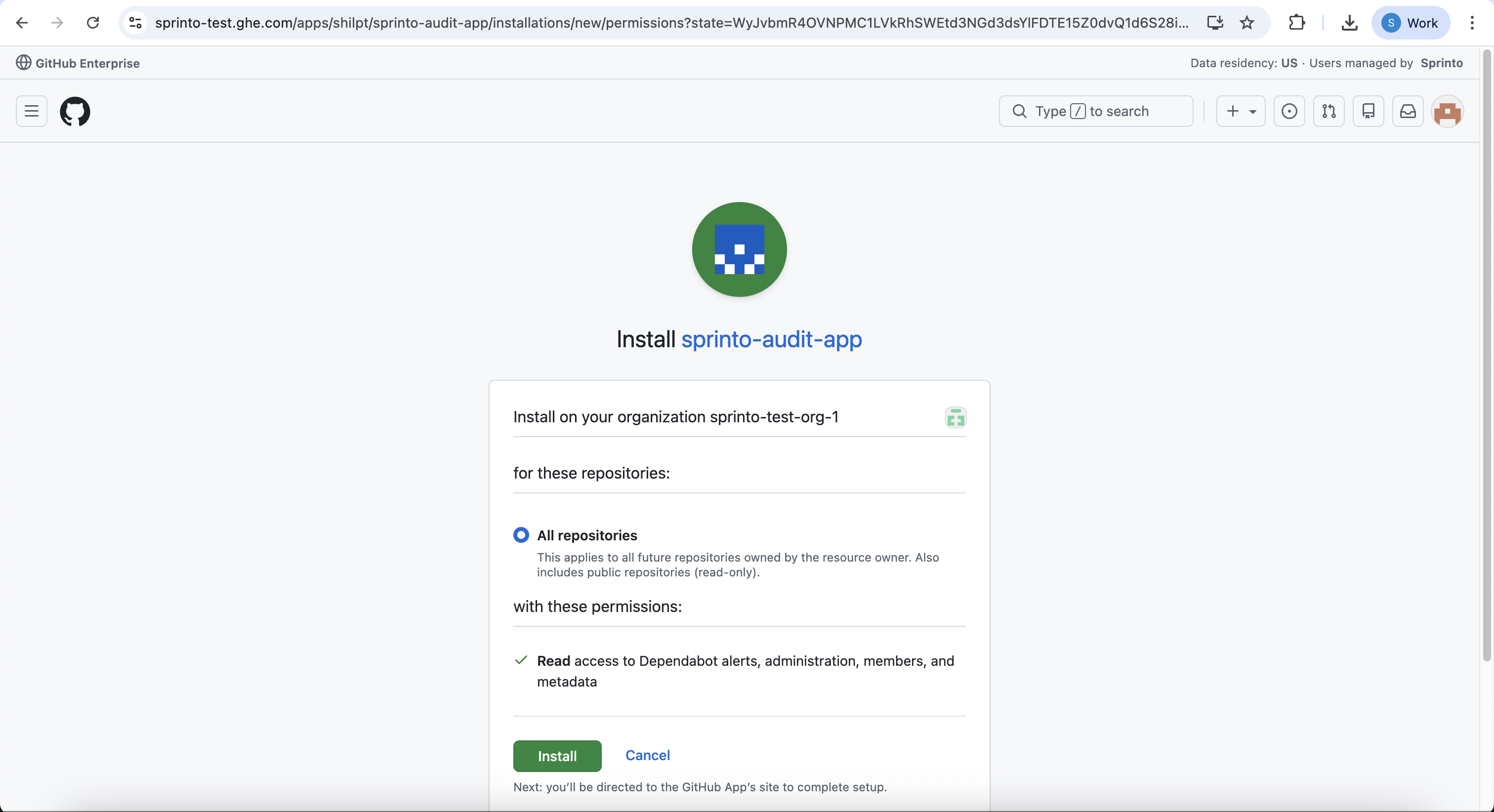
Install the Sprinto Audit App

On the GitHub installation screen:

  1. Select the GitHub organisation where the app should be installed.

  2. Choose repository access:

    • All repositories, or

    • Only select repositories (manual selection)

Sprinto requires read access to:

  • Dependabot alerts

  • Repository administration

  • Checks

  • Members

  • Metadata

  • Organisation administration

  • Pull requests

Click Install.


Complete integration

After installation:

  • You will be redirected back to Sprinto.

  • Sprinto will initiate the initial sync.

  • The GitHub App status will update to Active once connected.

The integration is now complete.


What data Sprinto accesses

Sprinto uses the GitHub App to access:

  • Installation ID

  • Organisation display name

  • Repositories and branches

  • Commits and pull requests

  • Organisation members and collaborators

  • MFA status

  • Dependabot vulnerability alerts

All permissions are read-only.


Troubleshooting

  1. Unable to install the app

    • Ensure you have organisation admin access in GitHub.

    • Check whether your organisation restricts third-party app installations.

  2. Integration shows inactive

    • Confirm the app is installed in the correct organisation.

    • Verify repository access selection.

    • Try reconnecting from Settings → Integrations.

  3. Missing repositories in Sprinto

    • If “Only select repositories” was chosen, ensure the required repositories were selected.

    • Reinstall the app and modify repository access if needed.


Contact Sprinto supportenvelope if you have any queries regarding the integration or need any assistance.

Last updated